Deploy MailChannels across your cPanel fleet
Activate outbound and inbound filtering for every customer domain in WHM — no per-account setup, no Exim configuration, no infrastructure changes.
Every customer domain in WHM
- shop.example.comProtected
- studio.example.orgProtected
- blog.example.netProtected
- bakery.example.coProtected
MailChannels plugin
Activated from the WHM admin interface you already use
- Outbound filtering
- Inbound filtering
- Exim configured automatically
Inside cPanel, for your customers
- Safelists
- Blocklists
- Quarantine releases
No per-account setup, no Exim configuration, no infrastructure changes.

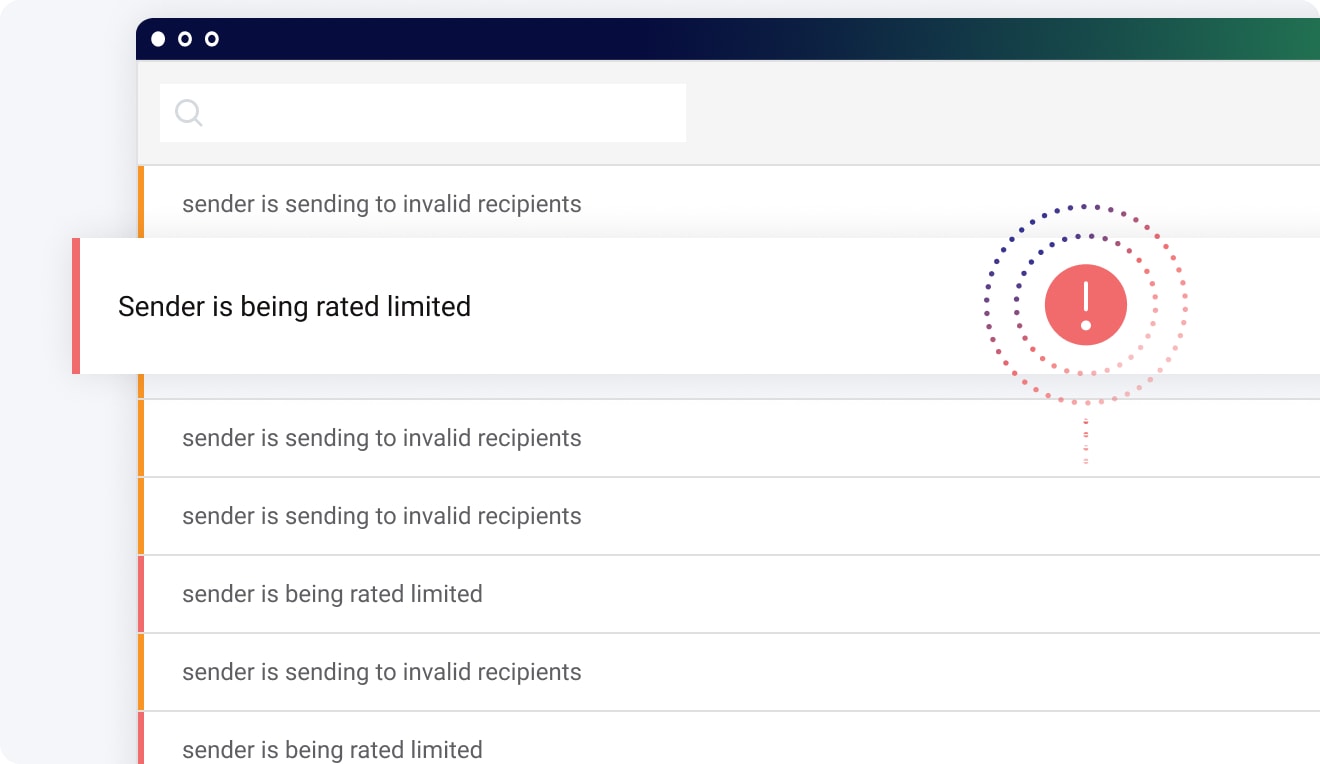
cPanel® and WHM® are the operational backbone for most independent web hosts. The MailChannels plugin turns email protection into a checkbox: activate outbound filtering across all domains, detect compromised accounts automatically, and configure Exim without touching the command line.
Protect All Domains from WHM
Enable MailChannels filtering for every domain on your server — or pick which ones — from the WHM admin interface you already use. No per-domain configuration files, no scripts to maintain.
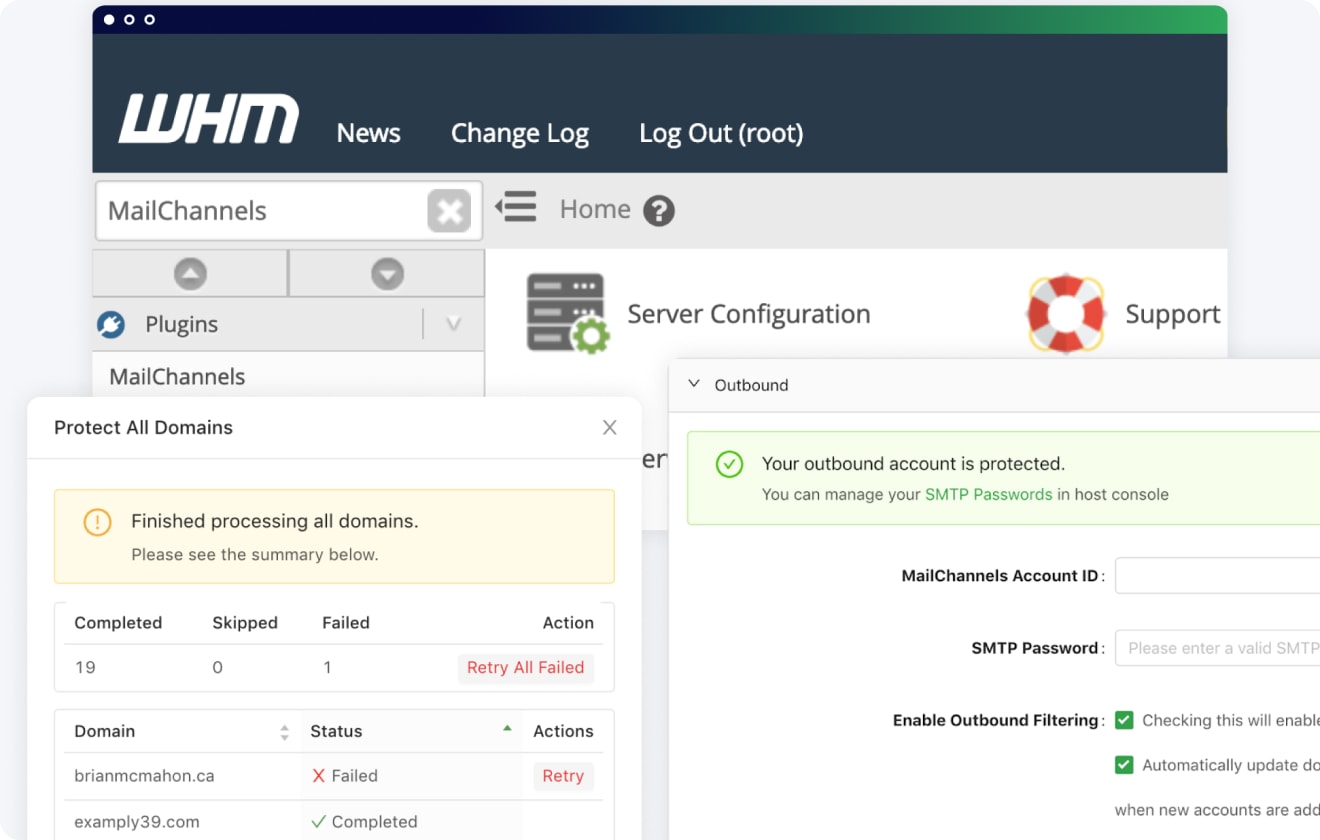
Exim configured automatically
The plugin writes the correct Exim configuration for outbound filtering — sender identification headers, routing rules, and authentication — so messages leave your network properly attributed and your customers’ mail keeps reaching the inbox.
Single sign-on for your customers
Customers manage their own safelists, blocklists, and quarantine releases from inside cPanel — no second account to create, no second password to forget, no support ticket to escalate.
Talk to a MailChannels expert
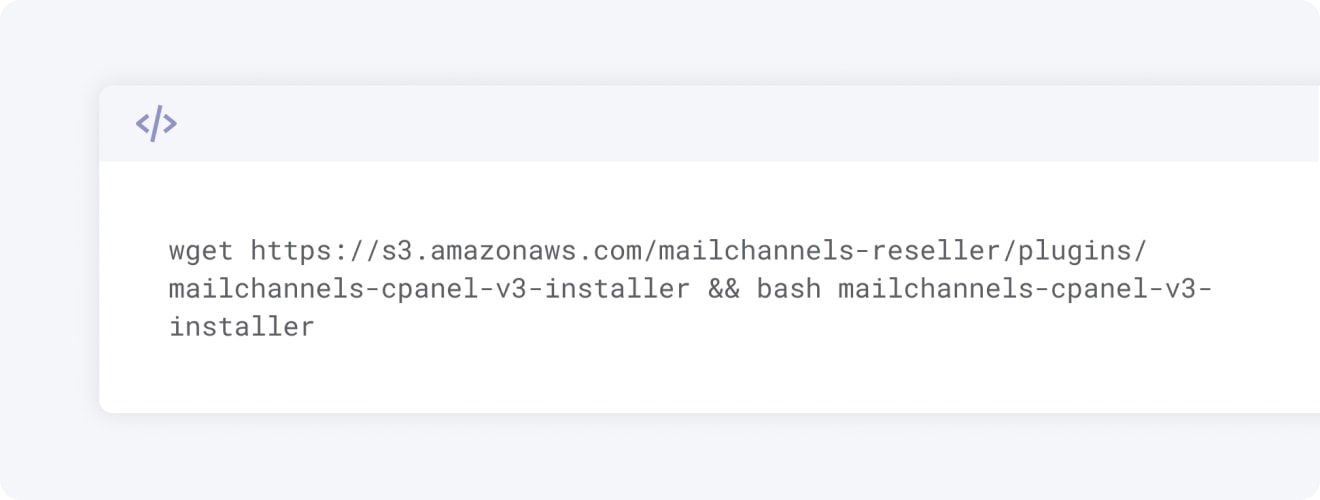
Tell us how many cPanel servers you run and we’ll walk you through a plugin deployment that takes minutes per server.